

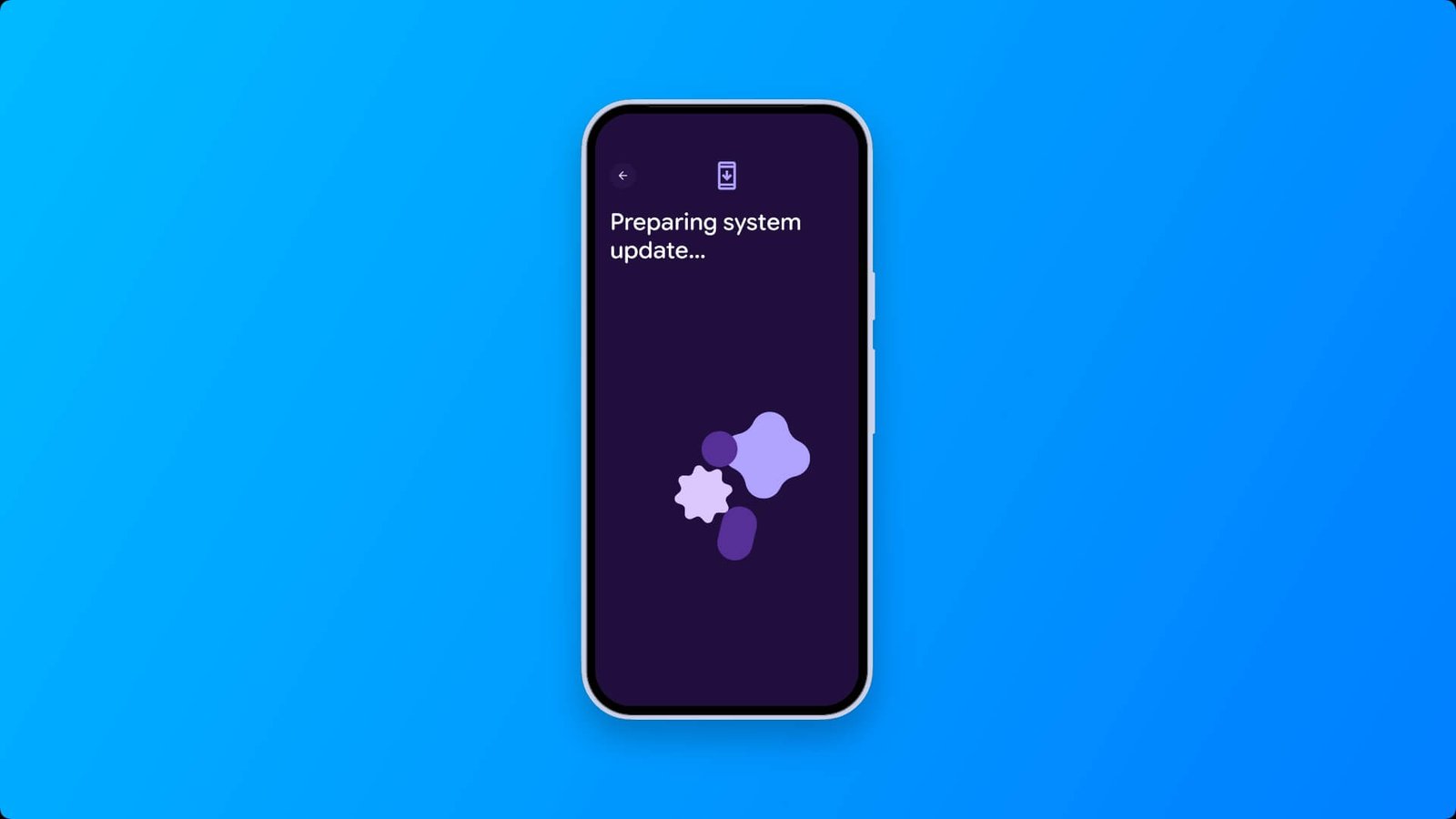

Google has started rolling out the October 2026 system update for Pixel phones. It brings the latest security patch, bug fixes, and performance improvements.
Pixel October 2026 Update Details
- Update: October 2026 System Update
- Security Patch Level: October 5, 2026
- Size: Around 246MB
- Includes: Security patch, bug fixes, performance improvements
October 2026 Pixel Security Update
Google published the October 2026 Pixel Update Bulletin on October 6, 2026. Installing the update brings your phone to the 2026-10-05 security patch level, which also includes all fixes from the October 2026 Android Security Bulletin.
What’s Fixed
Google lists six additional Pixel vulnerabilities, three rated Critical and three High:
- Critical: A Bluetooth flaw and a GDMC flaw that could let an attacker gain higher access than intended (elevation of privilege), and a flaw in the GSA security component that could expose protected data (information disclosure).
- High: Two kernel flaws, in the file system and the Wacom HID driver, that could allow elevation of privilege, and a second GDMC flaw that could expose data.
The bulletin doesn’t report any of these as actively exploited. It also mentions non-security bug fixes, with details on the Pixel Community forum.
Bug Fixes & Performance Improvements
- Fix for issue causing the virtual keyboard to occasionally not appear when interacting with search input fields. (Pixel 8 and later)
- Fix for issue occasionally causing audio noise or distortion in ringtone during certain VoIP calls. (Pixel Series 8, 9 and 10)
- Fix for issue occasionally causing captured photos or recorded videos to save in the incorrect orientation. (Pixel 11 Series)
How to Install the System Update
Open Settings > Tap System > Tap Software updates, then System update > Tap Check for update > Download, install, and restart when prompted
Tip: Plug in your phone and connect to Wi-Fi first. The update can take a few minutes to install.
Supported Google Pixel Phones – Pixel 6 and Later
- Pixel 6
- Pixel 6 Pro
- Pixel 6a
- Pixel 7
- Pixel 7 Pro
- Pixel 7a
- Pixel Tablet
- Pixel Fold
- Pixel 8
- Pixel 8 Pro
- Pixel 8a
- Pixel 9
- Pixel 9 Pro
- Pixel Pro XL
- Pixel 9 Pro Fold
- Pixel 9a
- Pixel 10
- Pixel 10 Pro
- Pixel 10 Pro XL
- Pixel 10 Pro Fold
- Pixel 10a
- Pixel 11
- Pixel 11 Pro
- Pixel 11 Pro XL
- Pixel 11 Pro Fold
Not Seeing the Update Yet?
Google rolls out Pixel updates in stages, so it may take a few days to reach your device, depending on your region and carrier. Check again in a couple hours later. If you don’t want to wait, you can install it manually using the official OTA image or factory image from Google’s developer site.
Should You Update?
Yes. Security patches fix vulnerabilities that can put your data at risk, and the fixes and performance improvements should make daily use smoother.
Have you installed the October update? Let us know what you notice in the comments.
